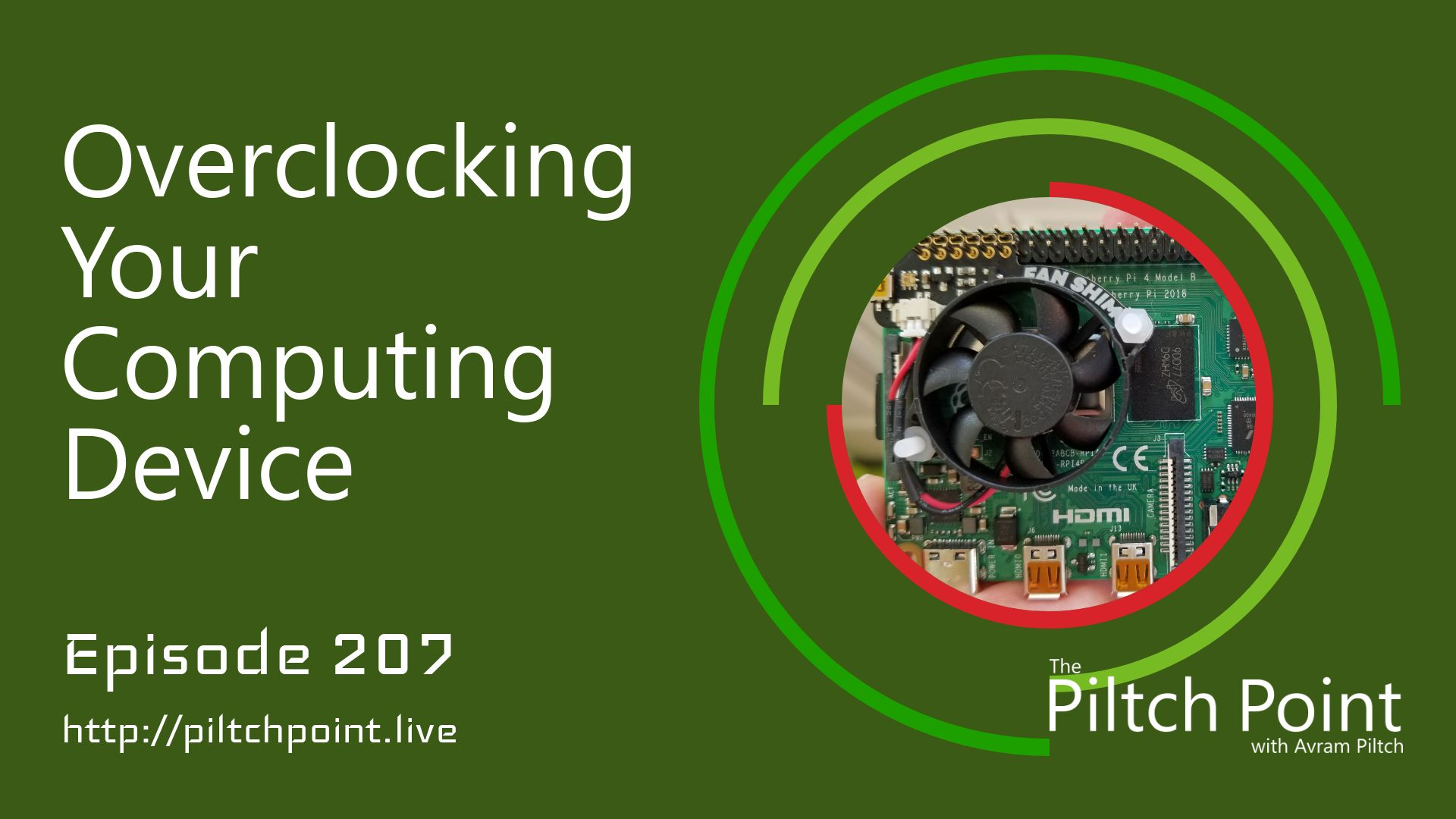
This week, Avram Piltch talks about how and why to overclock your computing device. So, what is overclocking? It is the process of changing the operating parameters of a component to increase its performance. While the main CPU is the most common to overclock, you can also overclock your graphics card, or GPU, and your RAM.
While not long ago the process of overclocking was difficult enough that only computer aficionados got involved, today it can be as easy as changing a setting in a text file or your system BIOS. It does require that your hardware be overclockable, better known as unlocked. For an Intel processor, just make sure that the model number ends in a K. Modern AMD processors are all unlocked, as are Raspberry Pi processors.
Why might you want to overclock your components, though? For some, it can just be a fun challenge. Some people take it to extremes. There are competitions and professional overclockers who can use liquid nitrogen to pull out every drop of performance. But, for normal computer users, overclocking could potentially add some life to older hardware. Maybe your PC is getting a little slow, you've done a full reset, but it's just not quite enough. By overclocking your processor, you might be able to bring that device back to life.
Many people wonder why overclocking is needed. Why not just run the component at its full potential out of the box? Because every device is unique, manufacturers cannot predict the maximum potential of each component. So, rather than trying to tune each processor or stick of RAM individually, the manufacturers find the least common denominator and tune for that. That does, however, leave some headroom that you can take advantage of. Overclocking can also affect the overall lifespan of your components.