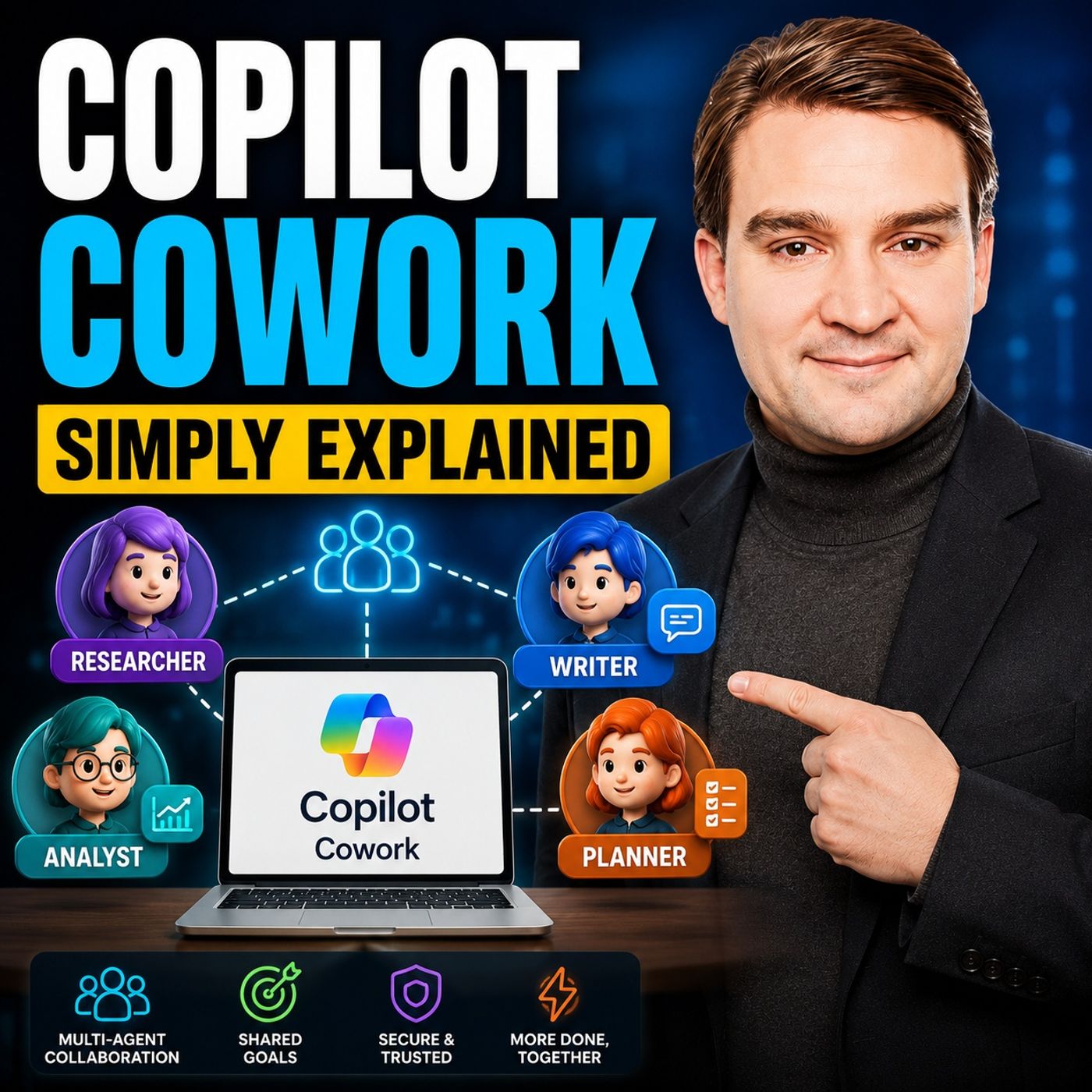
Copilot drafts and summarizes quickly, but you still spend your time coordinating meetings, emails and follow-ups across apps. This episode explains Copilot Cowork in plain English for Microsoft 365 users and admins: how it executes whole goals, how it differs from regular Copilot, and what you need to start delegating multi-step work.
In this episode
- 00:00 – What Copilot Cowork is in one sentence
- 01:06 – Why regular Copilot leaves you doing the heavy lifting
- 02:35 – What Copilot Cowork actually is
- 03:45 – The office building analogy
- 05:20 – How Cowork differs from regular Copilot
- 06:55 – Built-in skills and a weekly planning example
- 09:38 – What you need to get started
- 10:45 – What this means for your workday
Key takeaways- Copilot Cowork is an AI agent in Microsoft 365 that takes a whole goal, plans the steps and executes them across Word, Excel, PowerPoint, Outlook, Teams and SharePoint in the background.
- Unlike chat-based Copilot, Cowork is task-based, runs for minutes or hours, picks from built-in skills automatically, supports recurring tasks and asks for approval before sensitive actions.
- Getting started requires a Microsoft 365 business or enterprise plan, a Copilot license, files in OneDrive or SharePoint and, where needed, admin enablement via the Frontier program.
Worth quoting“The real bottleneck isn't generating content anymore. It's coordinating across apps and steps and that coordination is where most of your time actually goes.” – Mirko Peters (01:43)
“Instead of prompting for one output at a time, you describe an outcome and let it figure out the steps.” – Mirko Peters (03:10)
Explore more on M365.FMFollow and rate M365.FM in your podcast app, and join the free M365 community at m365con.net.
Become a supporter of this podcast:
https://www.spreaker.com/podcast/m365-fm-microsoft-365-azure-cloud-power-platform-ai--6704921/support.