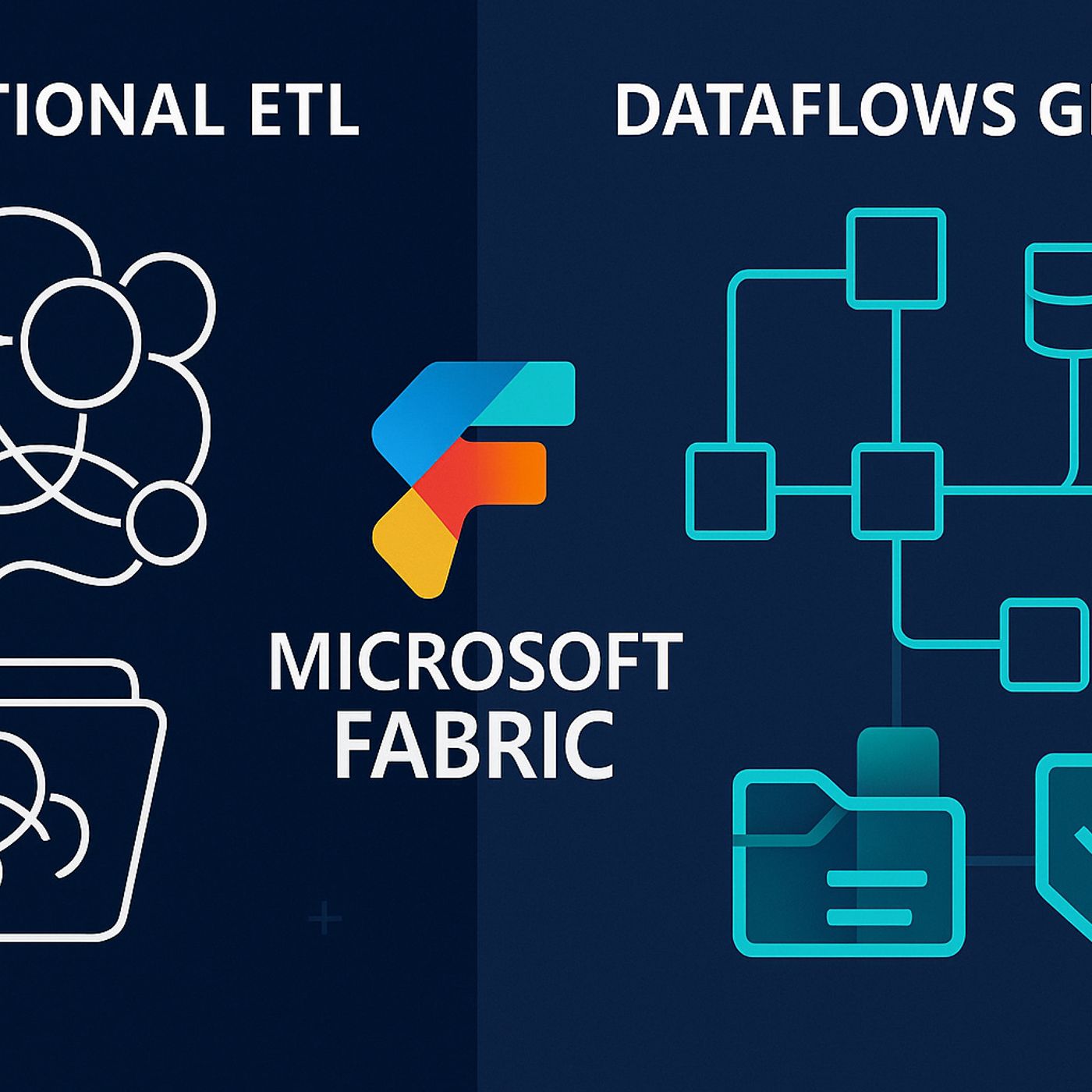
If you’ve spent hours duct-taping together Power Query scripts and manually tweaking ETL jobs, Microsoft just changed the game. Fabric Dataflows Gen2 isn’t just a facelift — it’s a complete rethink of how your data moves from source to insight.In the next few minutes, you’ll see why features like compute separation and managed staging could mean the end of your most frustrating bottlenecks. But before we break it down, there’s one Gen2 upgrade you’ll wonder how you ever lived without… and it’s hidden in plain sight.From ETL Pain Points to a Unified FabricEveryone’s fought with ETL tools that feel like they were built for another era — ones where jobs ran overnight because nobody expected data to refresh in minutes, and where error logs told you almost nothing. Now imagine the whole thing redesigned, not just re-skinned, with every moving part built to actually work together. That’s the gap Microsoft decided to close. For a long time in the Microsoft data stack, ETL lived in these disconnected pockets. You might have a Power Query script inside Power BI, a pipeline in Data Factory running on its own schedule, and maybe another transformation process tied to a SQL Warehouse. Each of those used its own refresh logic, its own data store, and sometimes its own credentials. You’d fix a transformation in one place only to realize another pipeline was still using the old logic months later. And if you wanted to run the same flow in two environments — good luck keeping them aligned without a manual checklist. Even seasoned teams ran into a wall trying to scale that mess. Adding more data sources meant adding more pipeline templates and more dependency chains. If one step broke, it could hold up a whole set of dashboards across departments. So the workaround became building parallel processes. One team in Sales would pull their copy of the data to make sure a report landed on time, while Operations would run their own load from the same source to feed monthly planning. The result? Two big jobs pulling the same data, transforming it in slightly different ways, then arguing over why the numbers didn’t match. It wasn’t just the constant duplication. Maintaining those fragile flows ate an enormous amount of development time. Internal reviews from data teams often found that anywhere from a third to half of their ETL hours in a given month went to patching, rerunning, or reworking jobs — not building anything new. Every schema change upstream forced edits across multiple tools. Version tracking was minimal. And because the processes were segmented, troubleshooting could mean jumping between five or six different environments before finding the root cause. Meanwhile, Microsoft kept expanding its platform. Power BI became the default analytics layer. The Fabric Lakehouse emerged as a unified storage and processing foundation. Warehouses provided structured, governed tables for enterprise systems. But the ETL story hadn’t caught up — the connective tissue between these layers still involved manual exports, linked table hacks, or brittle API scripts. As more customers adopted multiple Fabric components, the lack of a unified ETL model started to block adoption of the ecosystem as a whole. That’s the context where Gen2 lands. Not as another “new feature” tab, but as a fundamental shift in how ETL is designed to operate inside Fabric. Instead of each tool owning its own isolated dataflow logic, Gen2 positions dataflows as a core Fabric resource — on par with your Lakehouse, Warehouse, and semantic models. It treats transformation steps as assets that can move freely between these environments without losing fidelity or needing a custom bridge. This matters because it changes what “maintainable” actually looks like. In Gen1, the same transformation might exist three times — in Power Query for BI, in a pipeline feeding the warehouse, and in a notebook prepping the Lakehouse. In Gen2, it exists once, and every connected service points to that canonical definition. If an upstream column changes, there’s one place to update the logic, and every dependent service sees it immediately. That’s the kind of alignment that stops shadow processes from creeping in. And because this overhaul involves more than just integration points, it sets the stage for other benefits. The architecture itself has been realigned to make scaling independent of storage — something we’ll get into next. The authoring experience has been rebuilt with shared governance in mind. And deployment pipelines aren’t an afterthought; they’re baked into the lifecycle from the start. So the real takeaway here is that Gen2 is a first-class Fabric citizen. It’s built into the platform’s identity, not sitting on the sidelines as an add-on service. Instead of stitching together three or four tools every time you move data from source to insight, the pieces are already part of the same framework. Which is why, when we step into the architectural blueprint of Gen2, you’ll see how those connections hold up under real-world scale.The Core Architecture BlueprintYou can’t see them in the interface, but under the hood, Dataflows Gen2 runs on a very different set of building blocks than Gen1 — and those changes shift how you think about performance, flexibility, and long-term upkeep. On the surface it still looks like you’re authoring a transformation script. Underneath, there’s a compute engine that runs independently from where your data lives, a managed staging layer for temporary steps, a broader set of connectors, an authoring environment that’s built for collaborative work, and deep hooks into Fabric’s deployment pipeline framework. Each part has a job, and the way they fit together is what makes Gen2 behave so differently in practice. In Gen1, compute and storage were tightly coupled. If you needed to scale up your transformation performance, you were often also scaling the backend storage — whether you needed to or not. That meant more cost and more risk when resources spiked. Troubleshooting was equally frustrating. One team might hit refresh on a high-volume dataflow right as another job was processing, and suddenly the whole thing would slow to a crawl or fail outright. You’d get partial loads, half-finished temp tables, and spending a day debugging only to find it was a resource contention problem all along. Think about a nightly refresh window where a job pulls in millions of rows from multiple APIs, applies transformations, and stages them for Power BI. In the old setup, if external API latency increased and the job took longer, it could collide with the next scheduled flow and both would fail. You couldn’t isolate and scale the transformation power without dragging storage usage — and costs — along for the ride. Gen2’s compute separation removes that choke point. The transformation logic executes in a dedicated compute layer, which you can scale up or down based on workload size, without touching the underlying storage. If you have a month-end process that temporarily needs high throughput, you give it more compute just for that run. Your data lake footprint stays constant. When the run finishes, compute spins down, and costs stop accruing. This not only solves the collision issue, it also makes performance tuning a more precise exercise instead of a blunt-force resource increase. The other silent workhorse is managed staging. Every transformation flow has intermediate steps — partial joins, pivot tables, type casts — that don’t need to live on disk forever. In Gen1, these often landed in semi-permanent storage until someone cleaned them up manually, taking up space and creating silent costs. Managed staging in Gen2 is an invisible workspace where those steps happen. Temp data exists only as long as the process needs it, then it’s automatically purged. You never have to script cleanup jobs or worry about zombie tables eating storage over time. Here’s a real-world example: imagine a retail analytics pipeline that ingests point-of-sale data, cleans it, joins with product metadata, aggregates by region, and outputs both a detailed table and a summary for dashboards. In Gen1, each of those joins and aggregates would either slow the single-threaded process or produce intermediate files you’d later have to delete. In Gen2, the compute engine processes those joins in parallel where possible, using managed staging to hold temporary results just long enough to feed the next transformation. By the time the flow finishes, only your output tables exist in storage. That’s faster processing, no manual cleanup, and predictable storage usage every time it runs. None of these features live in isolation. The connectors feed the compute engine; the managed staging is part of that execution cycle; the authoring environment ties into deployment pipelines so you can push a tested dataflow into production without manual rework. The separation of responsibilities means you can swap or upgrade individual parts without rewriting everything. It also means if something fails, you know which module to investigate, instead of sifting through one giant, monolithic process for clues. This modular architecture is the real unlock. It’s what takes ETL from something you tiptoe around to something you can design and evolve with confidence. Scaling stops being a guessing game. Maintenance stops being a fire drill. And because every part is built to integrate with the rest of Fabric, the same architecture that powers your transformations is ready to hand off data cleanly to the rest of the ecosystem — which is exactly where we’re going next.Seamless Flow Across FabricImagine building a single dataflow and having it immediately feed your Lakehouse, Warehouse, and Power BI dashboards without exporting, importing, or writing a single line of “glue” logic. That’s not a stretch goal in Gen2 — that’s the baseline. The days of creating one version for analytics, another for storage, and a third for machine learning
Become a supporter of this podcast: https://www.spreaker.com/podcast/m365-fm-modern-work-security-and-productivity-with-microsoft-365--6704921/support.
If this clashes with how you’ve seen it play out, I’m always curious. I use LinkedIn for the back-and-forth.