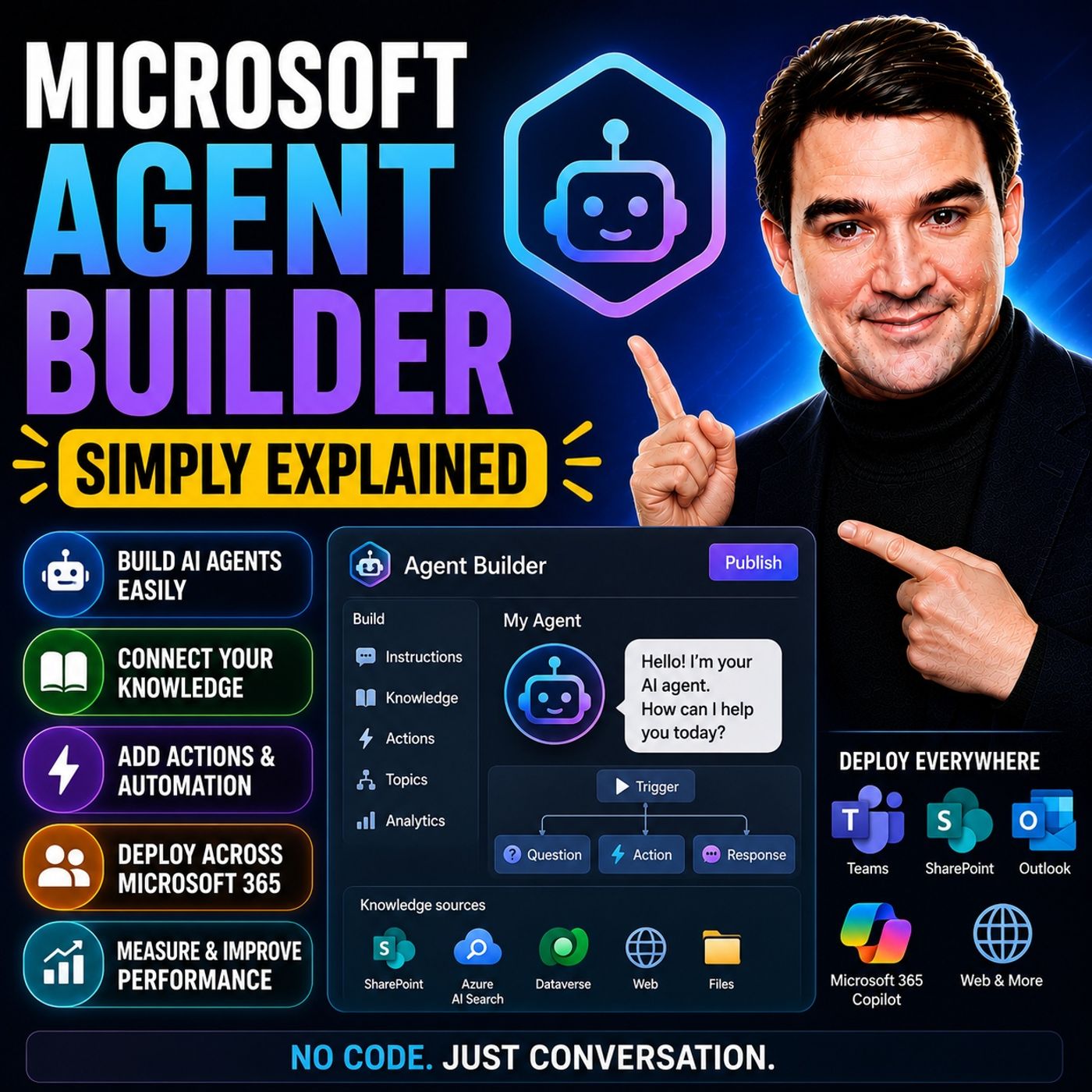
Everyone talks about AI agents, but do you need to be a developer to build one? This episode explains Microsoft Agent Builder for business users and IT pros: how to create an agent from a sentence, connect knowledge sources, respect permissions and know when to step up to Copilot Studio or AI Foundry.
In this episode
- 00:00 – Introduction: AI agents without code
- 00:32 – What Agent Builder actually is
- 02:35 – The creation flow step by step
- 04:41 – Knowledge sources
- 06:41 – The template shortcut
- 08:13 – Agent Builder vs Copilot Studio vs AI Foundry
- 11:06 – The hard limits
- 13:31 – Security and governance
Key takeaways- Agent Builder lets business users create declarative agents inside Microsoft 365 Copilot by describing what they need, with no code required.
- Knowledge sources such as SharePoint sites and files are what make an agent useful, and the only-use-specified-sources toggle is the main defense against hallucinations.
- Move to Copilot Studio only when you need external-facing agents, non-Microsoft 365 data sources or agentic actions; AI Foundry is for professional developers.
Worth quoting“Without knowledge sources, the agent is just a chatbot with a personality. It doesn't know anything about your company.” – Mirko Peters (03:36)
“The agent respects your existing Microsoft 365 permissions. It doesn't get special access. If you add a SharePoint site as a knowledge source, the agent can only return information that the person asking the question is already allowed to see.” – Mirko Peters (06:21)
Explore more on M365.FMFollow and rate M365.FM in your podcast app, and join the free M365 community at m365con.net.
Become a supporter of this podcast:
https://www.spreaker.com/podcast/m365-fm-microsoft-365-azure-cloud-power-platform-ai--6704921/support.