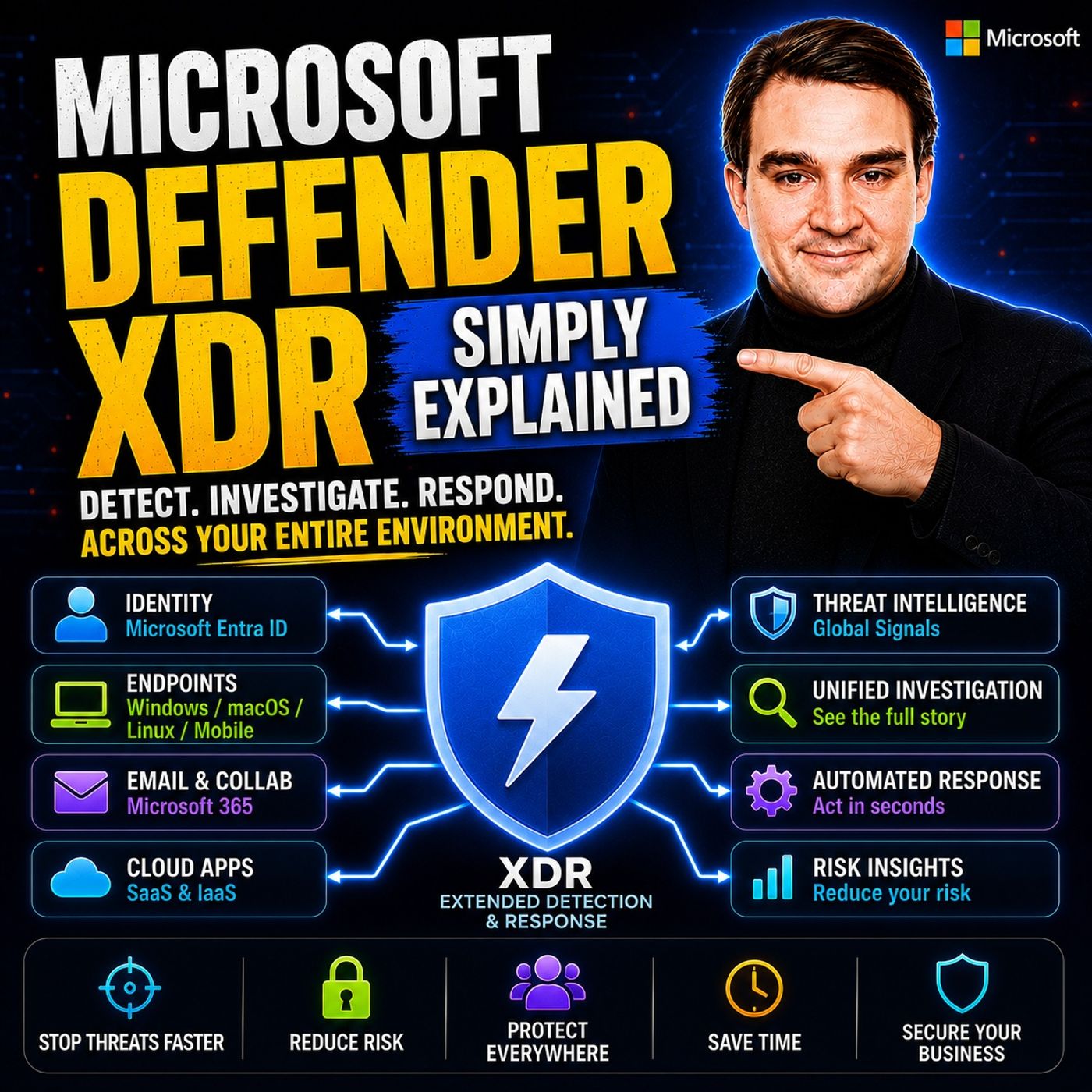
Separate alerts from email, identity and endpoint tools hide the one attack that connects them. This episode explains Microsoft Defender XDR, its five building blocks and how they combine into single incidents with automated response, for IT and security teams using Microsoft 365. You also get three concrete steps to unlock protection you may already be paying for.
In this episode
- 00:00 – Too Many Disconnected Alerts
- 00:45 – The Problem: Siloed Security
- 01:57 – What Defender XDR Is
- 03:48 – The Five Components
- 06:06 – How They Work Together
- 07:50 – What It Does for You
- 09:41 – The Real Power Is Integration
- 11:45 – Takeaways: What to Do Next
Key takeaways- Microsoft Defender XDR is a unifying layer that correlates signals from Defender for Endpoint, Office 365, Identity, Cloud Apps and vulnerability management into single incidents.
- Correlated incidents and automated remediation cut alert noise and can shrink response times from hours to minutes.
- Start by checking your Microsoft 365 licensing, turn on the unified incident experience and deploy the Defender for Office 365 preset policies before adding more components.
Worth quoting“Security isn't about any single product. It's about connecting the dots across everything happening in your environment.” – Mirko Peters (10:17)
“Defender XDR isn't some brand new product you have to go out and buy. It's more like a unifying layer that sits on top of security tools you might already own.” – Mirko Peters (02:38)
Explore more on M365.FMFollow and rate M365.FM in your podcast app, and join the free M365 community at m365con.net.
Become a supporter of this podcast:
https://www.spreaker.com/podcast/m365-fm-microsoft-365-azure-cloud-power-platform-ai--6704921/support.