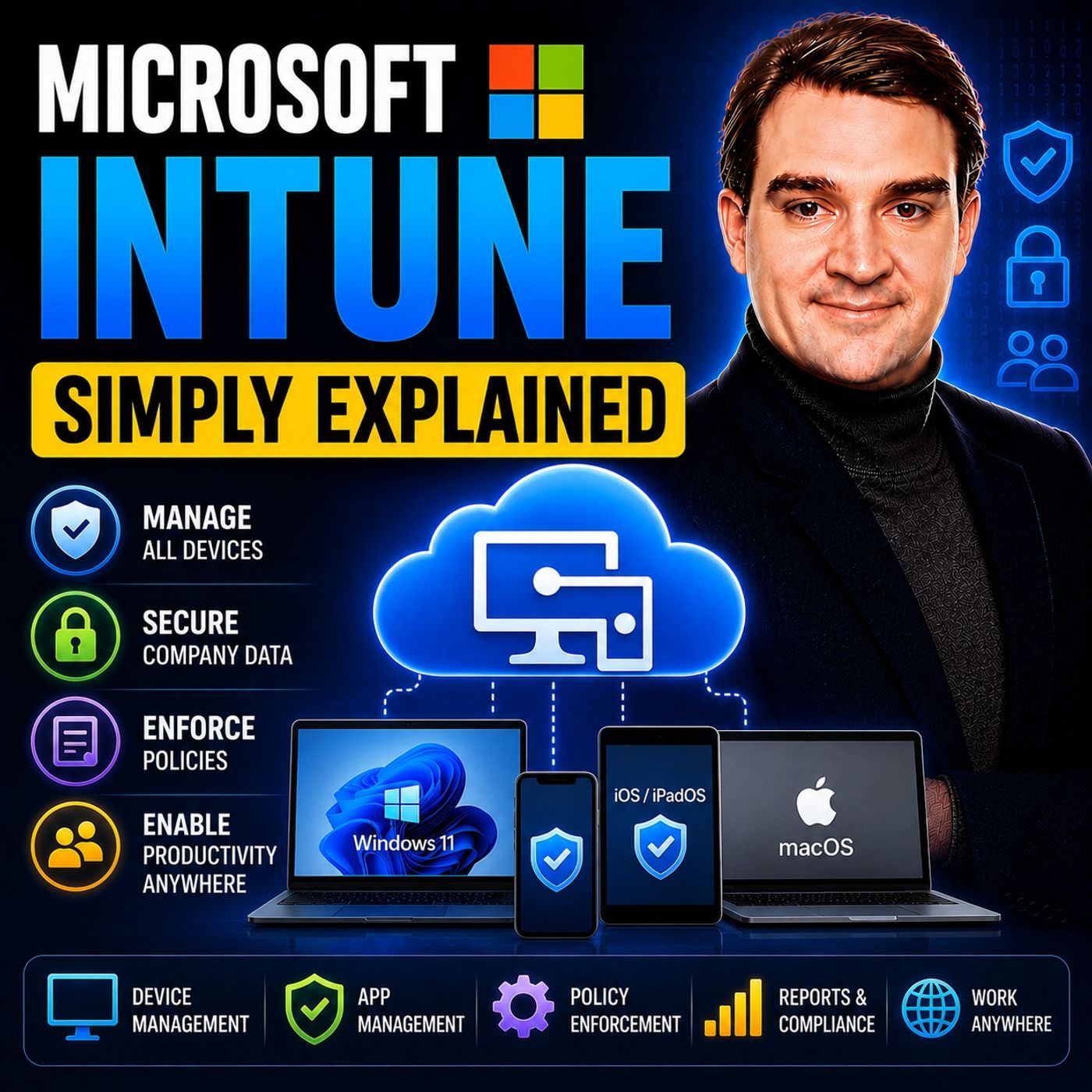
Managing laptops and phones by hand or through on-premises servers no longer works when people work from anywhere on their own devices. This episode is for IT beginners and decision-makers and explains how Intune enrolls and secures devices, protects data on personal phones and feeds Conditional Access for Zero Trust.
In this episode
- 00:00 – From hand-built laptops to the cloud
- 00:35 – What Microsoft Intune is
- 01:46 – The old way versus the Intune way
- 03:16 – Enrollment, configuration and compliance policies
- 05:19 – Mobile Application Management for BYOD
- 06:44 – Identity, Conditional Access and Zero Trust
- 08:16 – Admin and user experience
- 09:48 – Alternatives and what's coming next
Key takeaways- Microsoft Intune is a cloud service that enrolls devices, enforces configuration and compliance policies, deploys apps and tracks device health across Windows, macOS, iOS, Android and some Linux devices.
- Mobile Application Management protects work data inside apps like Outlook, Teams and OneDrive on personal phones, so IT can wipe corporate data without touching personal content.
- Intune reports device health to Entra ID, where Conditional Access combines identity and device signals into Zero Trust access decisions.
Worth quoting“Intune is not a VPN, not antivirus software, and not a remote desktop tool. It's a device management platform.” – Mirko Peters (01:08)
“Intune's answer to this is something called Mobile Application Management, or MAM for short. Instead of managing the whole device, Intune manages only the work apps.” – Mirko Peters (05:47)
Explore more on M365.FMFollow and rate M365.FM in your podcast app, and join the free M365 community at m365con.net.
Become a supporter of this podcast:
https://www.spreaker.com/podcast/m365-fm-microsoft-365-azure-cloud-power-platform-ai--6704921/support.