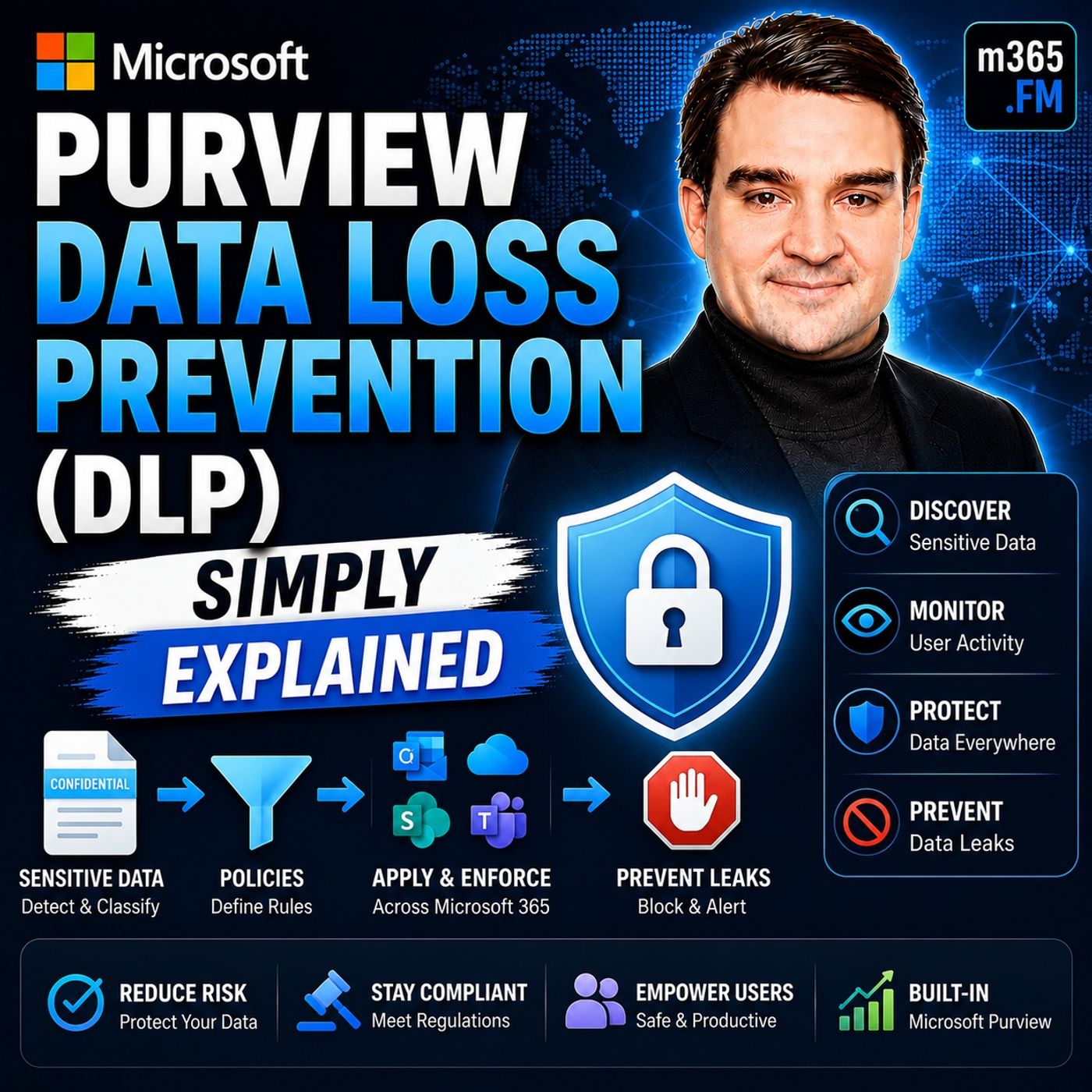
Most data leaks are not attacks but honest mistakes by your own people. This episode explains to IT and security teams how Microsoft Purview Data Loss Prevention protects sensitive data across email, files, Teams chats, devices and Copilot, and how to roll it out without breaking legitimate workflows.
In this episode
- 00:00 – Intro: an accidental leak of 27.7 million records
- 00:36 – The data leak problem: why DLP exists
- 02:06 – The office building analogy
- 03:16 – Exchange Online: protecting email
- 04:50 – SharePoint, OneDrive and Teams DLP
- 08:10 – Endpoint DLP: protecting devices
- 10:48 – Copilot and AI DLP
- 12:46 – Avoiding common mistakes and a 90-day plan
Key takeaways- Most data leaks are accidental, so Microsoft Purview DLP focuses on catching honest mistakes by watching what the data is, who handles it and where it goes.
- DLP covers Exchange Online, SharePoint, OneDrive, Teams, endpoints and Copilot, and each channel is a separate door that needs its own policy coverage.
- Treat DLP as a governance program: keep sensitivity labels simple, start in simulation mode, use policy tips and only then turn enforcement on.
Worth quoting“It's not built to stop hackers, it's designed to stop your own people from accidentally leaking sensitive data.” – Mirko Peters (00:22)
“Instead of blocking everything, it watches three things, what the data is, who's handling it and where it's going. Then it enforces rules automatically.” – Mirko Peters (01:30)
Explore more on M365.FMFollow and rate M365.FM in your podcast app, and join the free M365 community at m365con.net.
Become a supporter of this podcast:
https://www.spreaker.com/podcast/m365-fm-microsoft-365-azure-cloud-power-platform-ai--6704921/support.