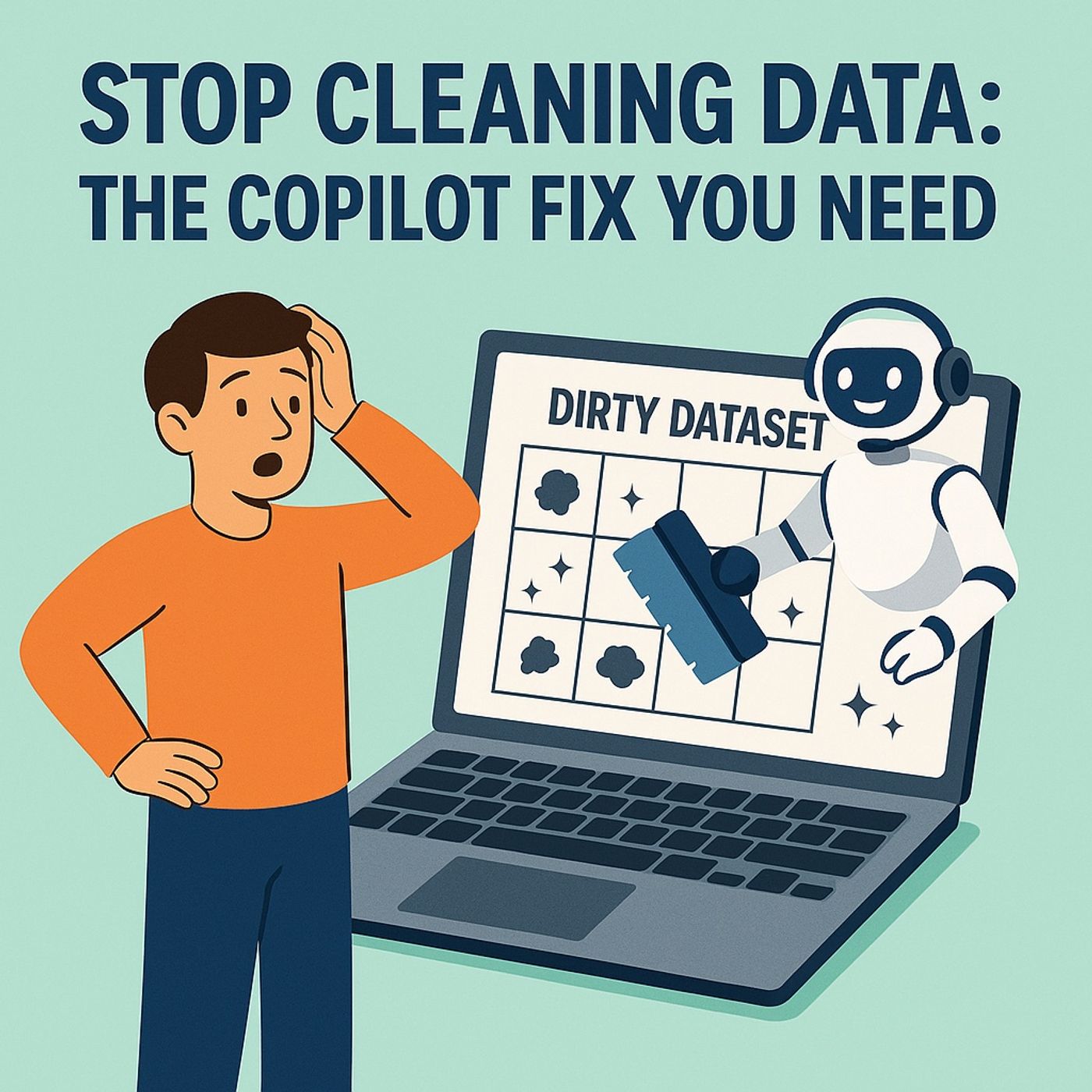
The Data Cleanup TrapYou think your job is analysis. It isn’t. It’s janitorial work with better branding. Every spreadsheet in your life begins the same way—tabular chaos pretending to be data. Dates in six formats, currencies missing symbols, column headers that read like riddles. You call that analysis? That’s housekeeping with formulas.Let’s be honest—half your “reports” are just therapy for the punishment Excel inflicts. You open the file, stare into the abyss of merged cells, sigh, and start another round of “Find and Replace.” Hours vanish. The terrible part? You already know how pointless it is. Because by the time you finish, the source data changes again, and you’re back to scrubbing.Every minute formatting cells is a minute not spent extracting insights. The company pays you to understand performance, forecast trends, and drive strategy. Yet most days you’re just fighting the effects of institutional laziness—people exporting garbage CSVs and calling it “data.”Here’s the twist: Excel Copilot isn’t a cute chatbot for formulas. It’s the AI janitor you’ve been pretending to be. It reads your mess, understands the structure, and cleans it before you can reach for the “Trim” function.By the end of this, you’ll stop scrubbing like an intern and start orchestrating intelligent automation. Oh—and we’ll eventually reach the single prompt that fixes eighty percent of cleanup tasks… if you survive the upcoming CSV horror story.Section 1: Why Excel Is a Chaos FactoryExcel was never meant to be the world’s data hub. It was built for grids, not governance—a sandbox for accountants that somehow became the backbone of global analytics. Small wonder every enterprise treats spreadsheets like a duct-taped database. Functional? Yes. Sustainable? About as much as storing medical records on sticky notes.The flaw starts with human nature. Give an average user a column and they’ll type whatever they like into it. December 3 becomes 03-12, 12/3, or “Dec third.” Some countries reverse day and month; others write it longhand. Excel shrugs, pretends everything’s fine, and your visuals later show financial spikes that never happened.Those invisible trailing spaces—oh yes, the ghosts of data entry—break lookups, implode joins, and silently poison automations. You think your Power Automate flow failed randomly? No. It met a rogue space at the end of “Product Name” and gave up.Then there’s the notorious mixed-type column. Numbers acting like text. Text pretending to be numbers. A polite way of saying: formulas stop working without warning. One cell says “42,” the next says “forty-two.” You can’t sum that; you can only suffer.Every inconsistency metastasizes as your spreadsheet ages. Excel tries to please everyone, so it lets chaos breed. That flexibility—the ability to type anything anywhere—is both its genius and its curse.Now, extend the problem downstream. Those inconsistencies aren’t isolated; they’re contagious. A Power BI dashboard connected to bad data doesn’t display trends—it manufactures fiction. Power Automate flows crumble when a column header changes by one character. Fabric pipelines stall because one table used “CA” and another wrote “California.”I once saw a manager spend three days reconciling regional sales. She was convinced her west-coast numbers were incomplete. They were fine; they were just labeled differently. “California,” “Calif.,” and “CA” politely refused to unify because Excel doesn’t assume they’re the same thing. By the time she found it, the reporting deadline had passed and the leadership team had already made a decision based on incomplete figures. Congratulations—you’ve automated misinformation.Excel’s architecture encourages this disaster. It has no schema enforcement, no input validation, no relational discipline. You can design a formula to calculate orbital mechanics but still accidentally delete a quarter’s worth of invoices by sorting one column independently. It’s like giving a toddler algebra tools and then acting surprised when the living room explodes.These flaws wouldn’t matter if Excel stayed personal—one analyst, one sheet. But it became collaborative, shared via OneDrive, circulated through Teams, copied endlessly across departments. Each copy accumulates its own micro‑mutations until no one remembers the original truth. The spreadsheet becomes a family heirloom of errors.And then, in desperation, we export the mess into Power Platform, expecting automation to transcend lunacy. Spoiler alert—it doesn’t. Flows break, connectors fail, dashboards lie, and you blame the platform instead of the real culprit: the spreadsheet habit.That’s the swamp Copilot was trained to drain. It doesn’t judge your column naming skills or your inconsistent capitalization; it just reads the chaos, classifies the problems, and offers to fix them. Excel remains wonderfully permissive—but now, finally, it has a sentient assistant that understands the consequences.The next time you stare at a corrupted CSV thinking, “Why does this keep happening?” remember: you’re not cursed—you’re using a tool designed for flexibility in a world that now demands precision. And Copilot’s job is to convert that flexibility into order before it leaks downstream into every automated nightmare you’ve ever unleashed.Section 2: Enter Copilot — Excel’s AI Janitor with a PhDEnter Copilot—the only coworker in your department who doesn’t sigh when opening a spreadsheet. This isn’t a plug‑in or a chatbot doing party tricks; it’s a full‑time analyst embedded in Excel’s bloodstream. While you’re still scrolling through columns wondering why C looks suspiciously like B, Copilot’s already mapped the logic, traced dependencies, and prepared a surgical checklist of what’s broken.Think of Copilot as an AI janitor with a PhD in pattern recognition. It doesn’t just mop up duplicated rows—it reads the history of your mess and understands why it happened. Because Copilot sits inside your Microsoft 365 environment, it sees the bigger context: the CSV you saved in OneDrive, the list you exported from a SharePoint table, even the numbers that came through last week’s Outlook attachment labeled “final_final3.xlsx.” It draws threads between them without you dragging in references or imports.Traditional Excel users shuffle data in with fear, hoping it aligns. Copilot knows that integration is safest when native. It pulls intelligently across OneDrive, SharePoint, and Teams, so your source never detaches from its environment. You don’t “import;” you delegate. The moment you say, “Summarize last quarter’s revenue by region from sales‑pipeline.xlsx,” Copilot knows which file you mean, because it’s living in the same digital apartment complex.Now, the real misunderstanding begins with its two personalities: Chat mode and App Skills mode. The chat panel is where you converse—ask questions, request summaries, probe for patterns. It’s conversational, diagnostic. You can type “show orders above ten thousand” and Copilot will politely tell you which rows qualify. But that’s all it does—it observes. The App Skills side, however, is operational. That’s where Copilot actually edits your spreadsheet: adds formulas, applies formatting, creates tables, runs transformations. Most users linger in chat, wondering why nothing changes. They’re basically talking to their analyst and ignoring the janitor holding the tools.Flip the switch to App Skills, and the gloves come off. Suddenly, your natural language becomes executable logic. Say, “Highlight orders over ten thousand,” and it rewrites your conditional formatting rule, generating the equivalent of nested IF statements faster than you can say “syntax error.” Under the hood, Copilot converts your phrasing into exact Excel formula syntax—clean, validated, and target‑matched. You get the mathematical outcome, minus the ritual suffering.Picture Copilot reading your Excel file like a forensic accountant debriefing a crime scene. “Ah, column headings misaligned, date serialization inconsistent, numeric strings formatted as text.” With infinite patience, it corrects them one by one. Every correction is previewed before application; you remain the supervisor. Copilot proposes, you approve. It’s like watching an intern perform at doctoral level—and asking permission first.Here’s the trick most users miss: because Copilot sits atop Microsoft Graph, it understands the semantics of your data. “Revenue,” “Region,” and “Date” aren’t random words; they’re identified entities. So when you ask it to “normalize all region names,” it doesn’t merely align spelling—it recognizes the organizational geography underpinning your tenant. That’s why it’s more than autocomplete; it’s context‑aware auditing.But the true power? Not understanding you—it’s obeying you. When you direct it, your spreadsheet becomes programmable through thought alone. You stop interpreting formulas and start issuing orders. The janitor becomes the executor, the mess becomes structure, and Excel—miraculously—behaves like it graduated from chaos management school. The next section shows what happens when you finally trust it to clean unattended.Section 3: The Three Commands That End Manual CleanupLet’s commit heresy—delegate the cleanup. You’ve spent years believing spreadsheets require human penance. They don’t. Copilot is perfectly capable of tidying your data while you sip coffee and rehearse pretending to work. The trick is giving it the right orders, not vague pleas. Three categories of commands eliminate almost every manual cleanup ritual you still cling to.First, the nuclear option: Normalize Everything. When your dataset looks like the aftermath of an international keyboard convention, this is the purge command. You say, “Standardize all date columns to YYYY‑MM‑DD,” and Copilot doesn’t flinch. It scans for inconsistent date formats, hidden text entries masquerading as dates, and stray cells where someone wrote “Next Tuesday.” Behind the scenes, it rewrites those ce
Become a supporter of this podcast: https://www.spreaker.com/podcast/m365-fm-modern-work-security-and-productivity-with-microsoft-365--6704921/support.
If this clashes with how you’ve seen it play out, I’m always curious. I use LinkedIn for the back-and-forth.