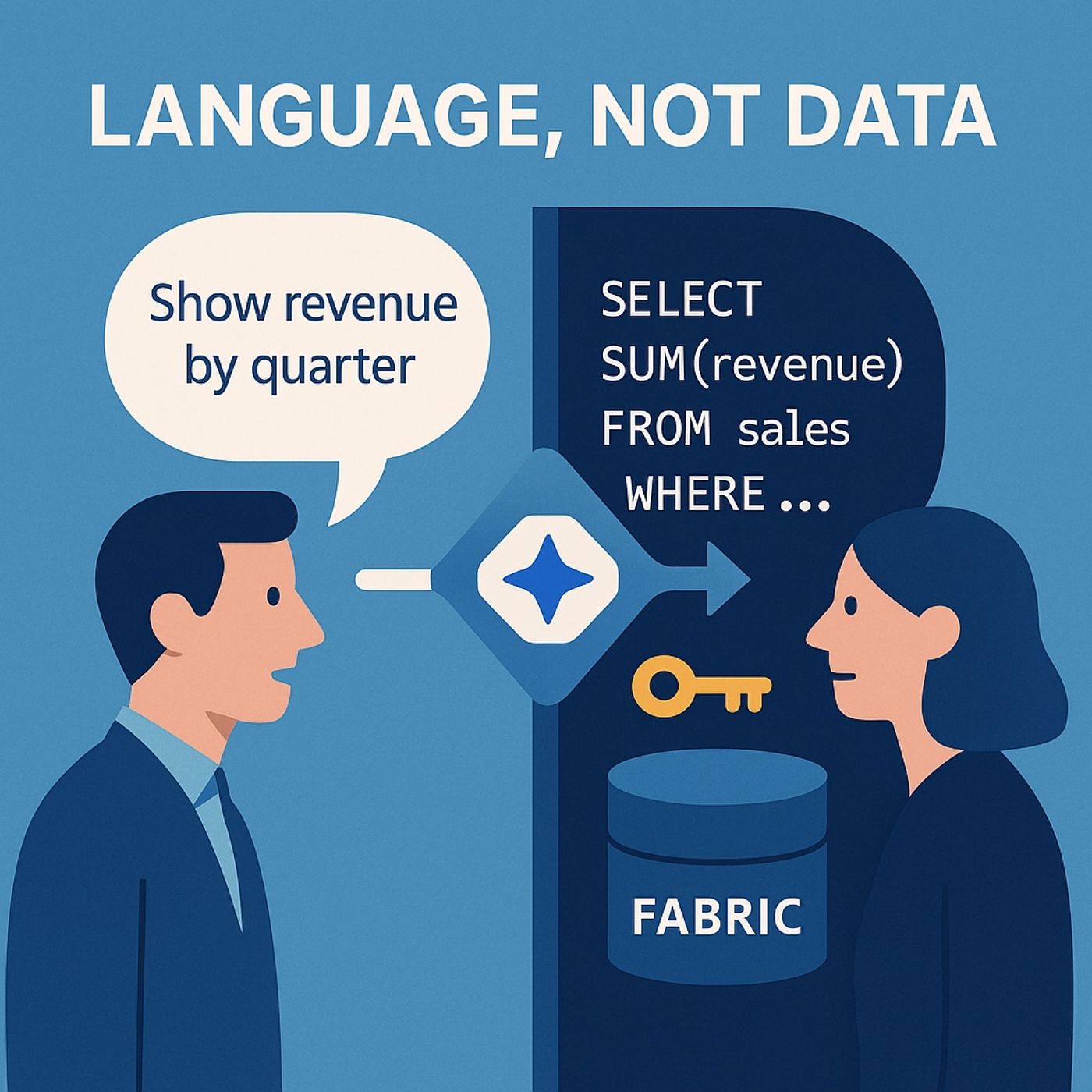
The Real Bottleneck Isn’t Data, It’s Language — How Copilot Studio Turns Plain English into Microsoft Fabric Answers Episode Description We tear down the myth that analytics is a data problem. It’s a language problem.
Most teams can’t get answers because curiosity must be translated into SQL—an expensive, slow, and fragile process. In this episode we unpack how Copilot Studio acts as linguistic middleware between humans and Microsoft Fabric: it parses intent, maps to your semantic model, executes governed queries via Fabric data agents, and returns explainable results—while honoring RBAC and DLP. This is not “just another chatbot.” It’s a context-aware translator that remembers the conversation and routes every ask through your existing governance. What we cover
- Why syntax is the real blocker: the hidden cost of converting business questions into SQL.
- How Copilot Studio actually works
- Natural-language parsing → semantic mapping → Fabric data call.
- Conversational context trees: “that” and follow-ups that actually make sense.
- Role-based access and DLP inherited from Fabric (no shadow security).
- Wiring Copilot Studio to Fabric (safely)
- Publish the Fabric data agent (draft ≠ production).
- Use separate Dev / QA / Prod environments (governance, not busywork).
- Prefer end-user auth so Fabric enforces RLS automatically.
- Deploy to Teams / SharePoint / web without breaking the guardrails.
- Conversational Intelligence in action
- Iterative questioning: from “Top 5 products last quarter” to “Explain the spike” to “Split by region and add margin.”
- Precision over bulk: scoped queries, not database downloads.
- What this is not
- Not a free-for-all data dump, not SQL replacement—SQL stays, syntax exposure goes.
Key takeaways
- The analytics queue isn’t data scarcity—it’s translation friction.
- Copilot Studio is a translator for intent, not a toy chatbot.
- Governance isn’t bypassed; it’s inherited from Fabric.
- Publish the data agent, separate environments, and use end-user identity.
- Measure success in time-to-answer, not just refresh speed.
Quick start checklist (copy/paste)
- Model: Ensure your Fabric semantic model has clear business names & RLS.
- Agent: Create & publish a Fabric data agent (don’t stop at Draft).
- Environments: Set up Dev → QA → Prod in Copilot Studio.
- Auth: Configure user-pass-through authentication.
- Channels: Publish to Teams for day-to-day asks; SharePoint for formal queries.
- Guardrails: Confirm DLP, sensitivity labels, and audit logging.
- Pilot: Start with 10–20 FAQs (revenue by quarter, top products, regional trends).
- Iterate: Review conversation logs, refine synonyms, update model descriptions.
Sample prompts for business users
- “Show revenue by quarter for the last 8 quarters.”
- “Rank top 5 products by profit last quarter; include margin %.”
- “Break that down by region, then channel.”
- “Explain the Q2 spike—compare to Q1 and summarize 3 likely drivers.”
- “Create a summary I can paste into email with bullets and one-line insight.”
Common gotchas (and fixes)
- “Draft agent works, prod fails.” → The agent must be published and bound to the Prod environment.
- “People see too much data.” → Switch to end-user auth; verify RLS in Fabric.
- “Copilot misunderstands ‘sales.’” → Add synonyms & descriptions to model objects.
- “Long answers, little insight.” → Ask for bullet summaries or top-N with rationale.
- “Latency.” → Check query folding in Fabric, and avoid fetching entire tables.
Who should listen
- Analytics leaders eliminating ticket backlogs
- BI developers wiring Copilot Studio ↔ Fabric responsibly
- Sales/marketing leaders who want answers without SQL
- IT/security teams focused on governance & auditability
Glossary
- Copilot Studio: Intent-to-query translator with memory and channels (Teams, web, SharePoint).
- Fabric data agent: Governed gateway that executes queries against your warehouse/lake.
- Context tree: Conversation state that carries filters/metrics across follow-ups.
- RLS/DLP: Row-level security & data loss prevention inherited from Fabric.
Support & Follow Become a supporter:
https://www.spreaker.com/podcast/m365-show-podcast--6704921/supportIf this clashes with how you’ve seen it play out, I’m always curious.
I use LinkedIn for the back-and-forth.