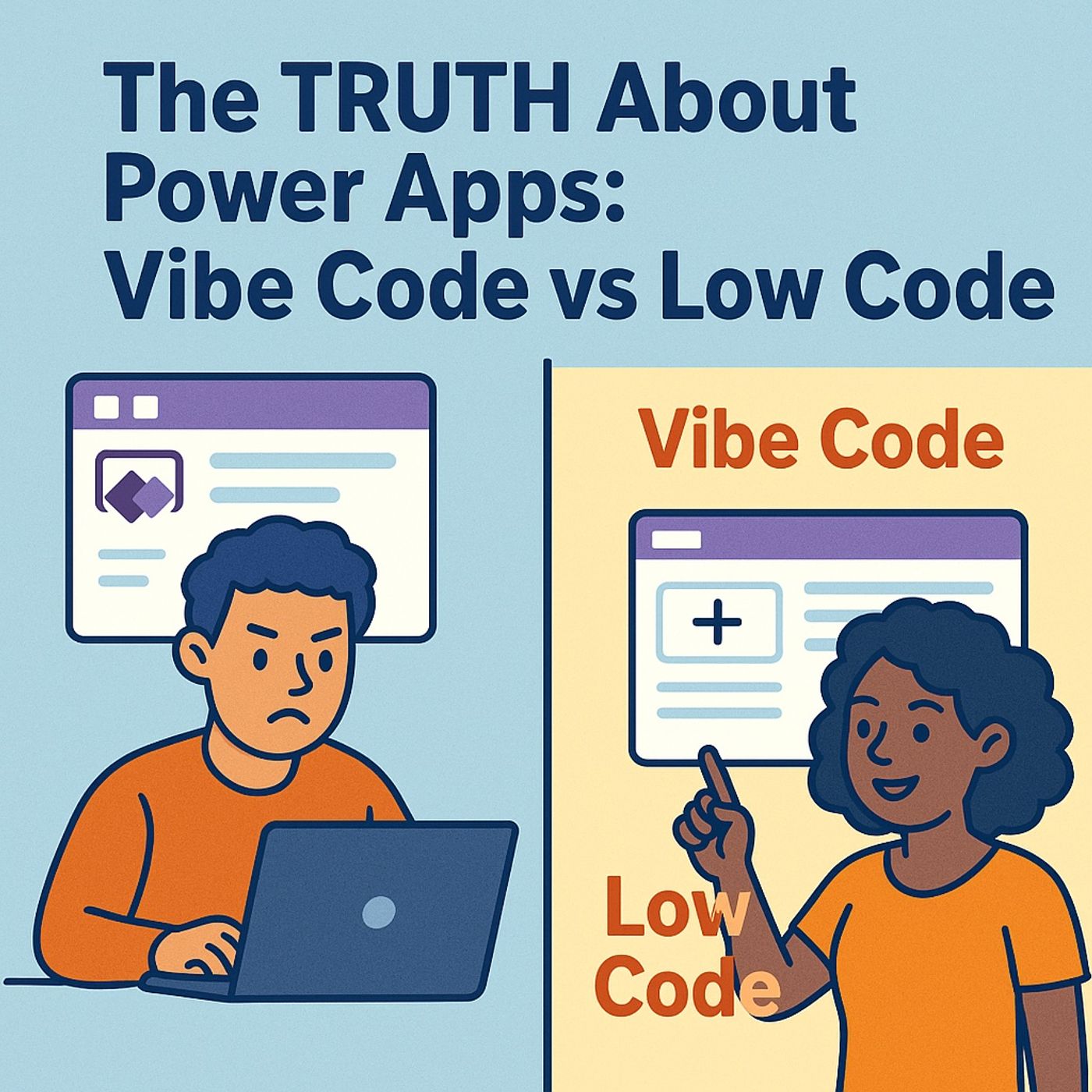
The Myth of “Low-Code for Everyone”Most people think Power Apps is about dragging buttons onto screens until something vaguely resembling an app appears. Click, drag, publish—done. Wrong. That’s the fairy tale version Microsoft marketed to “empower everyone,” and it worked—too well. Because now, there’s a new species loose in the ecosystem: Vibe Code. That’s the evolution where Power Apps meets serious development. Equal parts JavaScript, Git discipline, and AI-assisted chaos.See, Power Apps started as a playground for business users: citizen developers armed with enthusiasm and questionable naming conventions. The dream was simple—“Build your own app without writing code.” And yes, you could whip up a form faster than it takes IT to say “governance policy.” But somewhere between the fifth nested formula in Power Fx and the third unexplained delegation warning, the dream cracked.Enter the schism: citizen devs versus professional devs. On one side, the drag-and-drop romantics who swear by speed and flexibility. On the other, the pro coders who look at Canvas App formulas and feel a deep, existential dread. One group lives for instant results; the other demands reusable components, source control, and environments that don’t break when someone renames a field.Now, Code Apps—or as I prefer, Vibe Code—bring that missing discipline back. They let you use Visual Studio Code, proper frameworks like React, and still live inside the Power Platform’s luxurious, compliance-approved walled garden. It’s not rebellion; it’s a truce between creativity and control.By the end of this, you’ll know exactly when Vibe Code wins, when Low-Code saves the day, and how GitHub Copilot glues the two worlds together faster than any junior dev could. We’re about to unpack the illusion of simplicity, the metrics of scale, and the AI that’s pulling the strings between both worlds. So forget everything you think you know about Power Apps—because “low-code for everyone” was never the real story. It was just the prologue.Section 1: The Low-Code IllusionLow-Code sold a convenient fantasy: anyone could be a developer. That sounds noble until you realize “anyone” includes Gary from accounting, who just built an app that performs twenty SQL queries every five seconds. The promise was empowerment. The result? Syntax chaos disguised behind pastel-colored buttons.Let’s demystify it. Power Apps comes in two main flavors: Canvas and Model-Driven. Canvas Apps are the design-your-own interface kind—freedom incarnate. You drag components onto a blank canvas, wire them up with Power Fx, and feel like Picasso with an API. Model-Driven Apps, however, are the rule-followers. They take your Dataverse tables and automatically generate UI like a disciplined robot. They’re structured, but rigid—perfect for data-heavy use cases, less so for anything that demands flair.Now, what both share is speed. You can prototype in hours, sometimes minutes. That’s the dopamine hit Microsoft built this empire on. Business units didn’t need IT approval anymore; they could “empower” themselves. But the hidden cost came later—maintenance nightmares that grew like invasive plants across the enterprise. Because Low-Code doesn’t mean low complexity. It just hides that complexity behind cheerful names and mouse clicks.Take Power Fx, for example. It looks harmless—a little Excel-inspired formula language for app logic. But under the hood, it creates sprawling dependency webs that only the original creator can untangle. Lose that person, and you lose the logic. Governance tools can help, sure, but most organizations end up with dozens of variations of the same “Task Tracker” app, all slightly broken in unique, fascinating ways.The analogy is inevitable: Low-Code is IKEA furniture. Assemble it fast, feel competent, and then realize you don’t know where that extra bolt came from. Heaven help you if you ever need to move it or upgrade it—because there’s always missing documentation and a mystery hex key involved.Departments hit the tipping point the moment they want serious integrations: SQL backends, Git repositories, automated pipelines. Canvas Apps weren’t designed for that depth. They shine for quick process tools—leave requests, status dashboards—but not full production-grade systems that must survive audits, scaling, and developer turnover. That’s when teams face the “rewrite moment,” where Low-Code’s convenience suddenly becomes its cost.So, Microsoft did something smart. Instead of pretending the problem didn’t exist, they equipped developers with a new way to take back structure without abandoning the platform’s benefits. And thus, Vibe Code entered the chat—a form of Power Apps that behaves like a modern web project but still enjoys all the comforts of enterprise governance, connectors, and authentication.What’s coming next flips the script entirely. Because where Low-Code abstracted complexity away, Code Apps embrace it—on your terms. This isn’t rebellion for its own sake. It’s infrastructure therapy, delivered through syntax.Section 2: Enter Vibe Code (Power Apps Code Apps)Now we come to the grown-up table. Vibe Code, or what Microsoft humbly calls “Power Apps Code Apps,” is what happens when the Power Platform finally admits it’s part of the developer family again. Gone are the days of pastel interfaces and formula boxes; this is React in a suit and tie, hosted inside Power Apps. Think of it as a high-end condominium inside the same gated community, but this unit has stainless steel appliances and version control.Here’s the simple version: Code Apps are full-fledged React web applications that run inside the Power Platform. Yes, inside. You write in your favorite IDE—Visual Studio Code—using all the modern trimmings: Node.js, TypeScript, .NET, and Git. The Power Platform gives you structure, connectors, and security; React gives you raw creative control. It’s the best of custom and controlled worlds—the artistry of a full-stack dev inside Microsoft’s carefully monitored walled garden.Let’s decode the workflow. It starts at the command line, where developers feel most alive. You initialize a Code App using the Power Platform CLI—a tool that connects your local project directly to your Power Platform environment. Then, with a few commands like pac code init, you bootstrap a standard React project, configure your power.config.json, and link it to your environment. This is the digital equivalent of setting up residency: your local machine meets the cloud—and shakes hands politely through authentication.From there, you bring in connectors. Power Apps supports over 1,500 of them: SharePoint, SQL, Office 365, ServiceNow, Azure, and more. Add these directly into your app using the CLI, and a new TypeScript service pops up like it was always meant to be there. No silly formula matching, no nested conditional statements pretending to be logic. It’s just code. Predictable, readable, testable.If Low-Code was LEGO—you build from what you’re given—then Code Apps is the 3D printer that fabricates your own bricks. You’re not confined to prefab shapes; you’re sculpting your own UI, logic, and components. That’s why Pro-Coders love this world: it’s still the Power Platform, but it respects their intelligence.Imagine this lifecycle: open VS Code, type away, test locally on your machine with npm run dev, fix, test again—and when satisfied, push the app to Power Apps with one command: pac code push. Moments later, your React app appears alongside standard Canvas Apps within your environment, inherits all the environment’s governance policies, and—crucially—authenticates automatically using Microsoft Entra. You’re still compliant with organizational rules, but now you can finally write your own logic without fighting abstraction layers.The real joy isn’t just the technology—it’s the structure. Source control through Git becomes standard; collaboration through pull requests becomes possible; CI/CD pipelines become trivial. Every software engineer who’s ever cried over a corrupted Power Fx formula can now relax. Versioning isn’t a dream—it’s baseline reality.And yet, Microsoft knew this wasn’t enough. Even though Code Apps made real code first-class citizens again, productivity was still bottlenecked by the same thing that plagues every dev shop: repetition. Type imports, connector calls, data mappings—all boilerplate. Powerful, yes, but tedious. Which is why the next piece of the puzzle isn’t another framework or SDK—it’s something far more intoxicating: artificial intelligence. Microsoft didn’t just bring back structure; it brought a sidekick. The next era of Power Apps development starts with a line we never thought we’d say: “GitHub Copilot, build this for me.”Section 3: GitHub Copilot—The Vibe PartnerNow, let’s talk about the intern no one paid for but everyone relies on: GitHub Copilot. You could call it autocomplete on caffeine, but that undersells what it’s doing for Power Apps developers. In this new Vibe Code world, Copilot isn’t just a helper—it’s a silent collaborator, one who writes entire sections of code before your brain’s had time to catch up.Let’s establish boundaries first. Copilot doesn’t create strategy—it composes syntax. You, the developer, define what needs to exist: a dashboard, a form, a data pull from SharePoint. Copilot handles the grunt work: scaffolding components, writing JSX, fetching data, fixing build errors, streamlining imports. It remembers your context across the session, so by the time you say, “Add a profile card that shows user name, email, and photo,” it’s already typing. You watch React components assemble themselves in real time, and for one brief second, you think maybe Skynet deserves forgiveness.This is the power amplification layer that transforms good developers into fast ones. Suddenly, Code Apps development moves at startup velocity. Need to hook into Dataverse? Type one comment and Copilot spits out a full service interface wired to your connectio
Become a supporter of this podcast: https://www.spreaker.com/podcast/m365-fm-modern-work-security-and-productivity-with-microsoft-365--6704921/support.
If this clashes with how you’ve seen it play out, I’m always curious. I use LinkedIn for the back-and-forth.