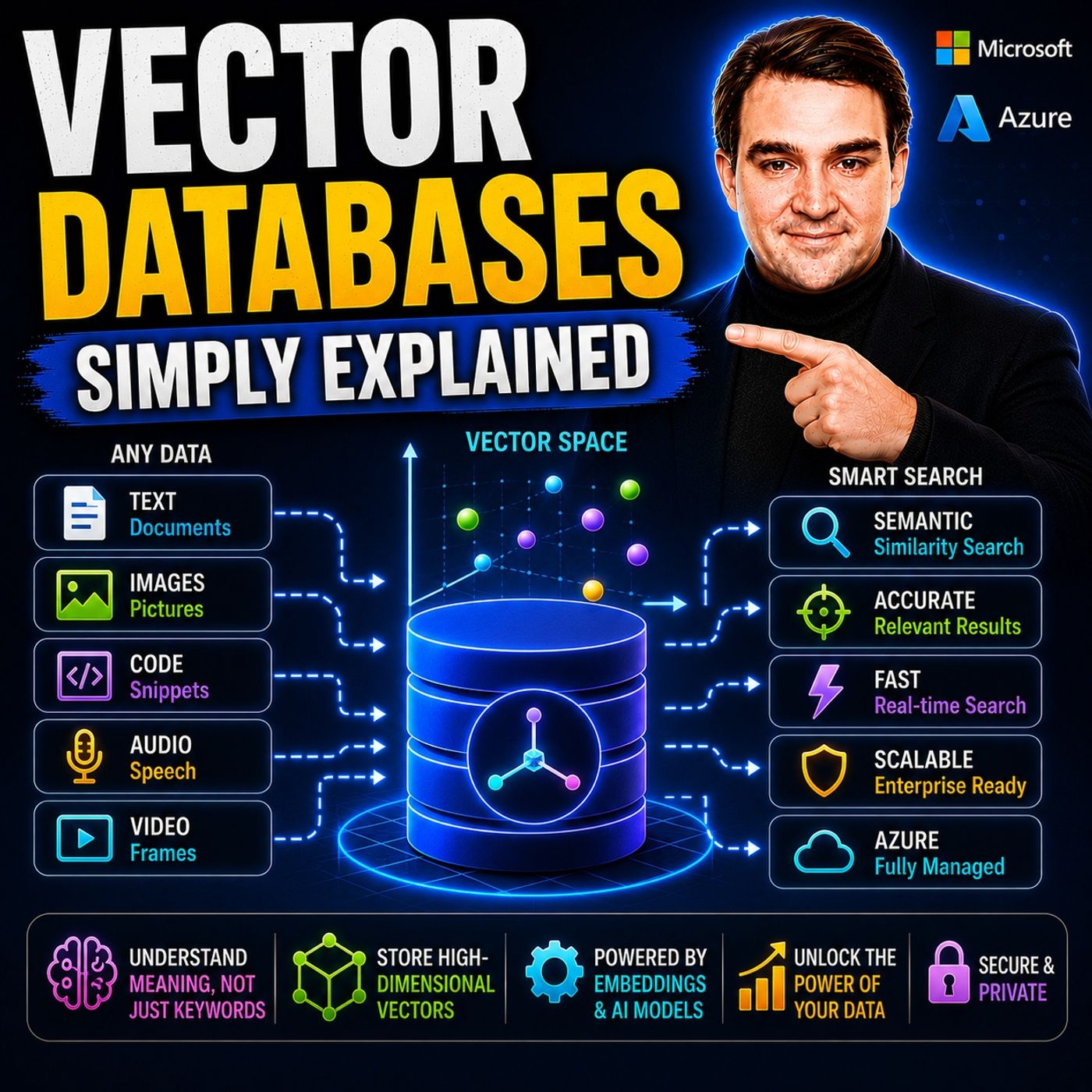
Keyword search fails when users and documents use different words for the same thing. This episode is for IT pros and developers curious about AI search, and explains in plain English how embeddings and vector databases work, where they live in Azure, and how to run your first similarity query in under an hour.
In this episode
- 00:00 – Why search understands crimson coat
- 00:46 – What a vector is
- 02:05 – From vectors to embeddings
- 03:37 – Why traditional databases fall short
- 05:05 – How vector databases work: ingestion, indexing and query
- 07:07 – Vectors in the Microsoft ecosystem
- 09:28 – Real-world use cases: RAG, recommendations, semantic search
- 11:37 – Vector ETL and getting started
Key takeaways- Embeddings turn text, images or audio into vectors that capture meaning, so a vector database can find similar content by distance instead of exact keywords.
- Indexes such as IVF and HNSW make similarity search over millions of vectors fast enough for real-time AI features like Copilot and retrieval-augmented generation.
- Microsoft adds vector capabilities to Azure AI Search, Cosmos DB, SQL Server 2025 and Azure SQL Database, and keeping vectors in sync requires incremental vector ETL with source, model version and timestamp metadata.
Worth quoting“A Vector is really just a list of numbers. A one-dimensional array that represents something in a format the computer can work with.” – Mirko Peters (01:05)
“A regular database is like a filing cabinet. You need to know the exact file name to find what you're looking for. A vector database is like a librarian who understands what you mean.” – Mirko Peters (04:39)
Explore more on M365.FMFollow and rate M365.FM in your podcast app, and join the free M365 community at m365con.net.
Become a supporter of this podcast:
https://www.spreaker.com/podcast/m365-fm-microsoft-365-azure-cloud-power-platform-ai--6704921/support.