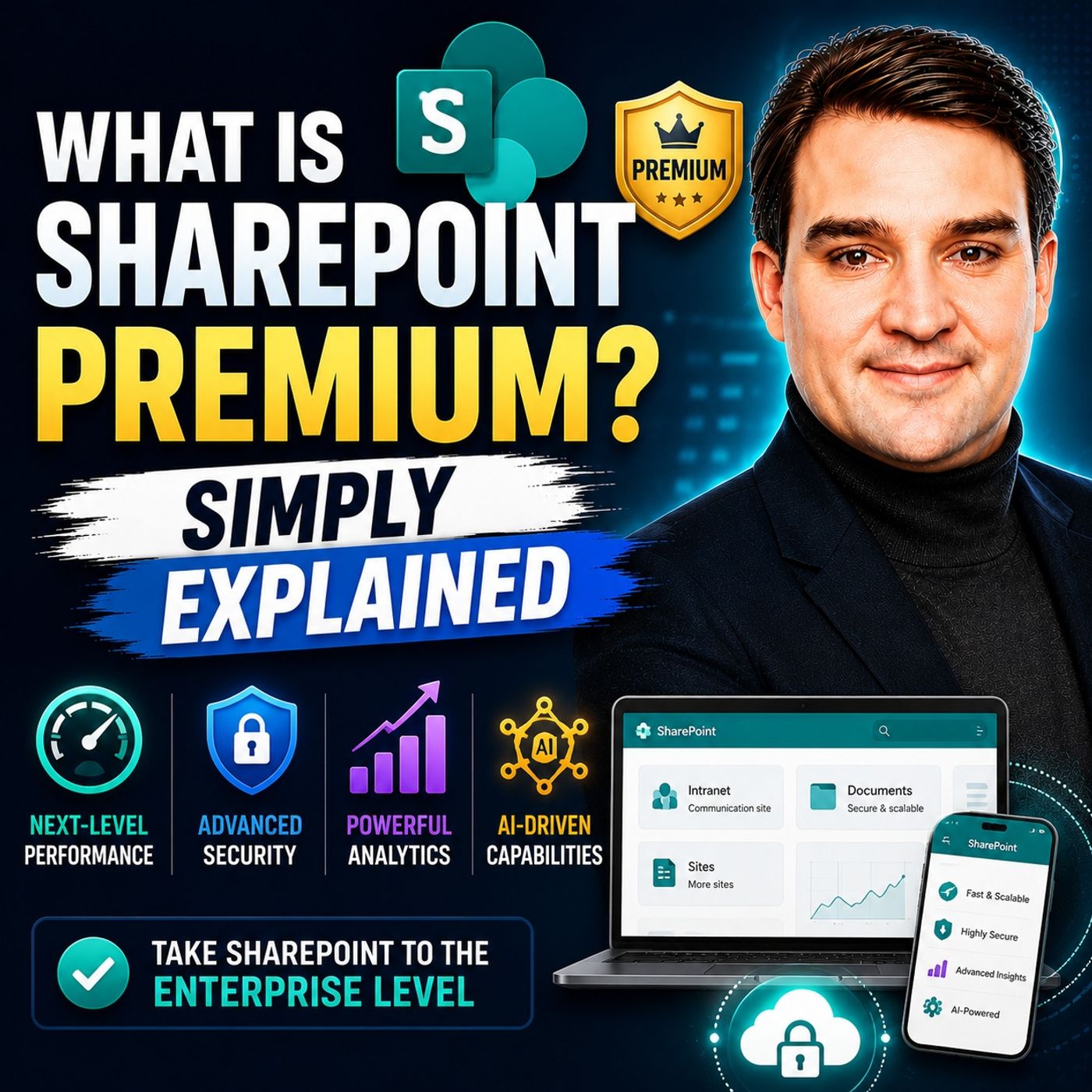
Your Microsoft 365 tenant is full of untagged, overshared files, and Copilot will happily surface that mess. This episode explains in plain English what SharePoint Premium adds to regular SharePoint for admins and IT decision makers. You learn its three pillars, how it prepares content for Copilot, what it costs and where to start.
In this episode
- 00:00 – Intro: two billion messy documents
- 00:27 – The problem SharePoint Premium solves
- 01:56 – Pillar 1: Content experiences
- 03:25 – Pillar 2: Content processing
- 05:00 – Pillar 3: Content governance
- 08:29 – Why Copilot demands SharePoint Premium
- 10:16 – Licensing, costs and what's free
- 11:54 – Your first steps
Key takeaways- SharePoint Premium is an AI add-on on top of SharePoint Online that adds content experiences, content processing and content governance rather than replacing anything.
- Copilot is only as good as your content, so clean metadata, classified documents and governed access are the foundation for useful AI answers.
- Start small with one high-volume document type such as invoices on one site, use pay-as-you-go with a budget, and run a data access governance report to find oversharing.
Worth quoting“Co-pilot is not a cleanup crew. It's an amplifier. If your content is organized and governed, co-pilot makes you faster and smarter. If your content is a disaster, co-pilot just surfaces that disaster more efficiently.” – Mirko Peters (09:46)
“Why is governance so important here? Because AI automation can multiply your mistakes. If you're processing thousands of files automatically and your permissions are a mess, you're just speeding up the spread of bad access.” – Mirko Peters (06:23)
Explore more on M365.FMFollow and rate M365.FM in your podcast app, and join the free M365 community at m365con.net.
Become a supporter of this podcast:
https://www.spreaker.com/podcast/m365-fm-microsoft-365-azure-cloud-power-platform-ai--6704921/support.